How it works
Three steps. Usually under a minute.
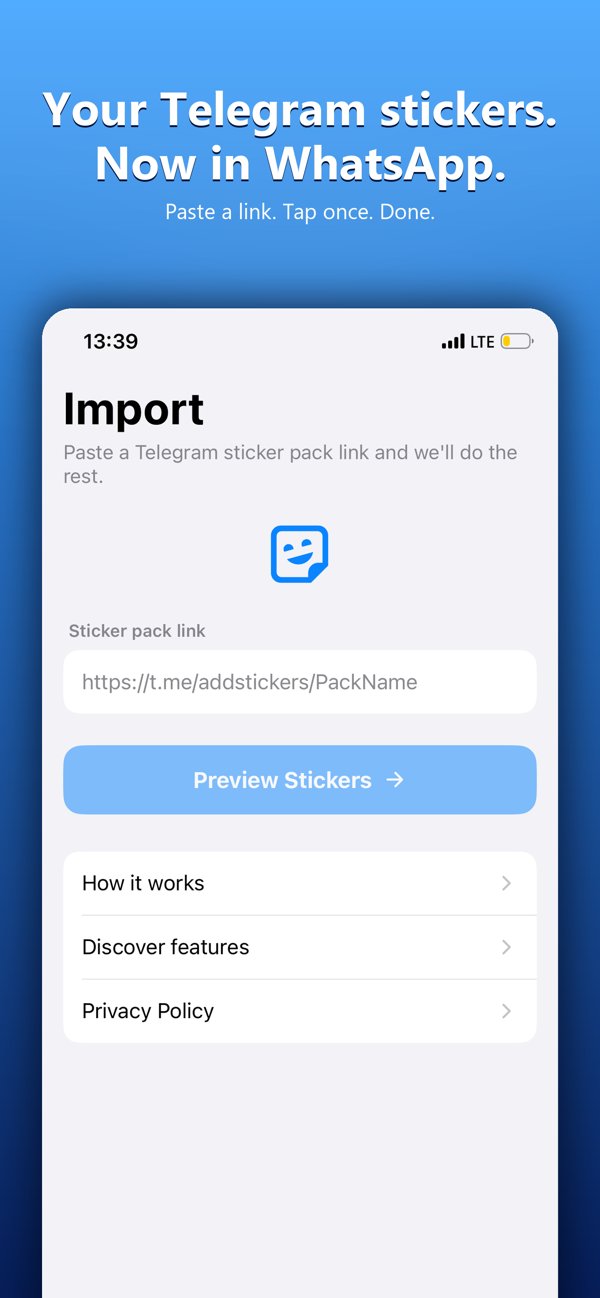
Copy a pack link
Grab any t.me/addstickers/… link from Telegram — or browse packs right in the app.
Preview it
StickerBridge downloads the pack and resizes every sticker to WhatsApp's exact format and size limits.
Add to WhatsApp
One tap hands the finished pack to WhatsApp. Big packs are split automatically.
More than a converter
Everything you need to bring your stickers along.
Animated & video stickers
Telegram's animated (.tgs) and video (.webm) stickers are converted into WhatsApp-ready animated stickers.
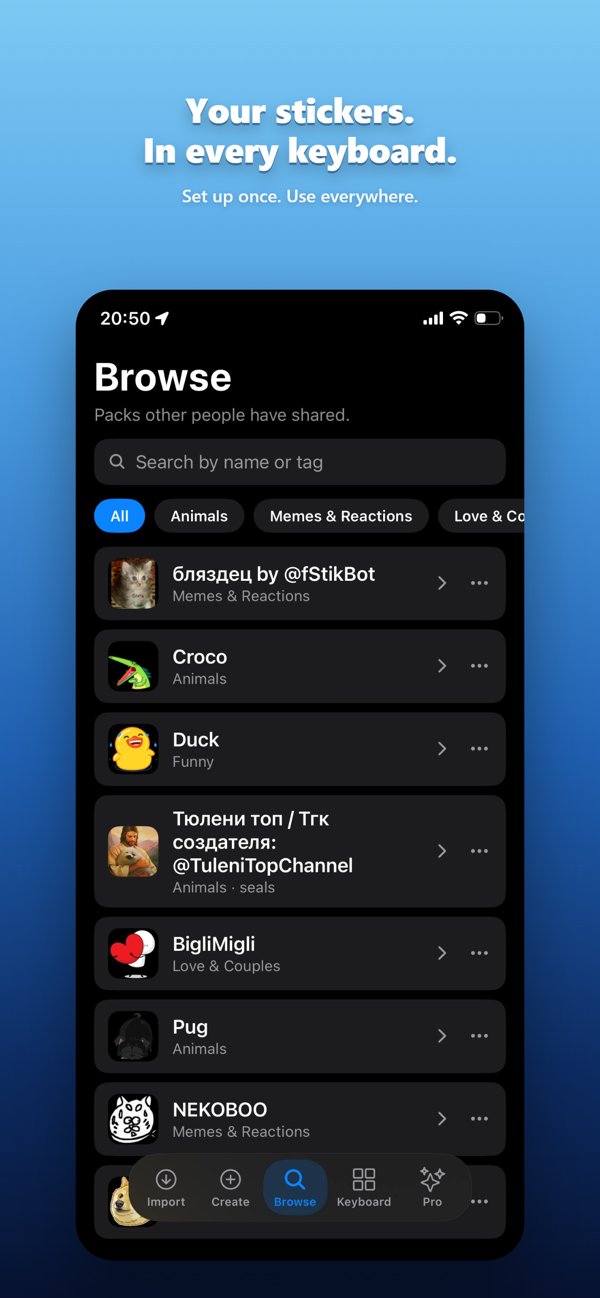
Browse & discover
No link? Search and browse packs other people have shared, organized by category.
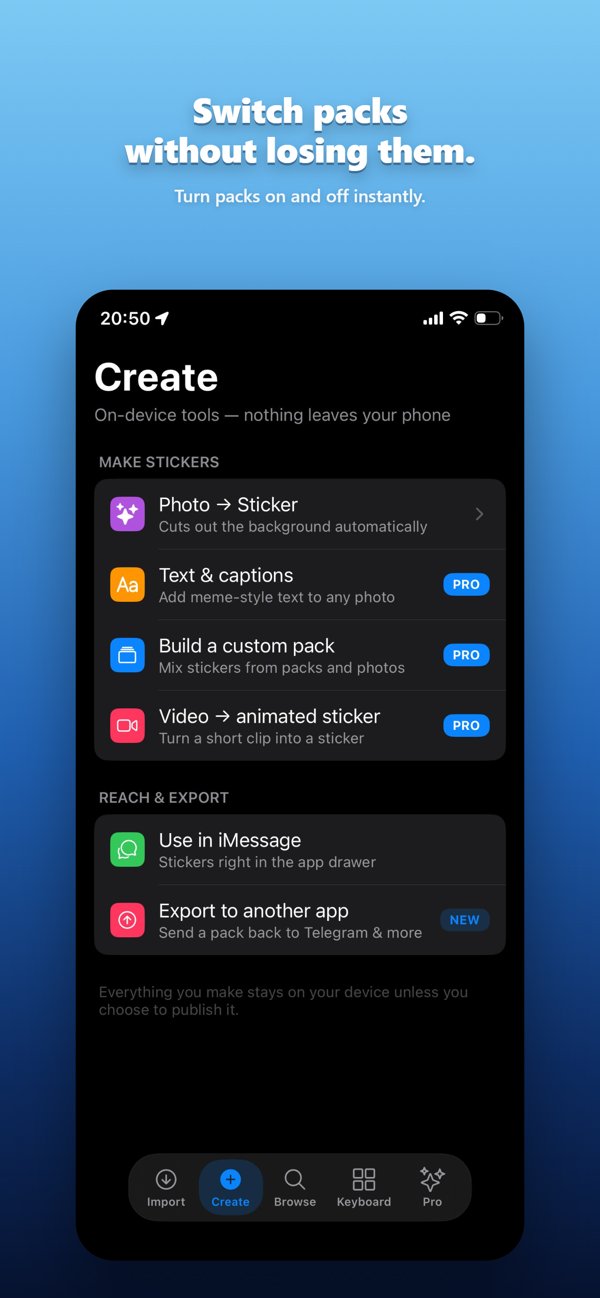
Make your own
Turn a photo, a captioned image or a short video clip into a sticker — processed on your device.
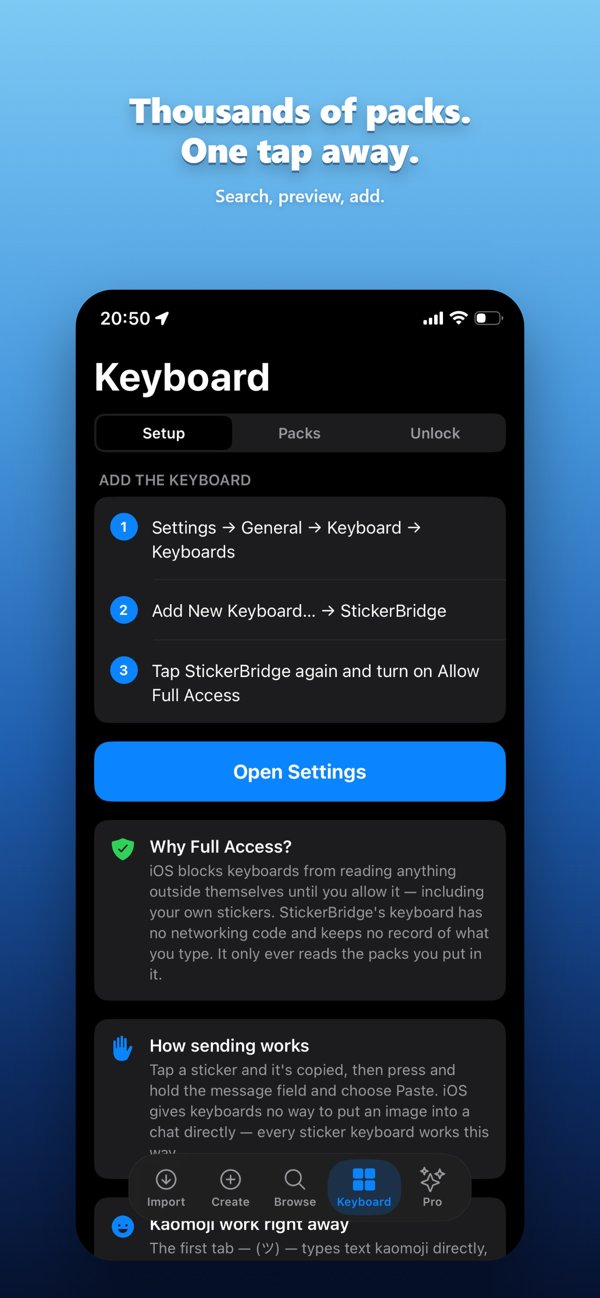
Sticker keyboard
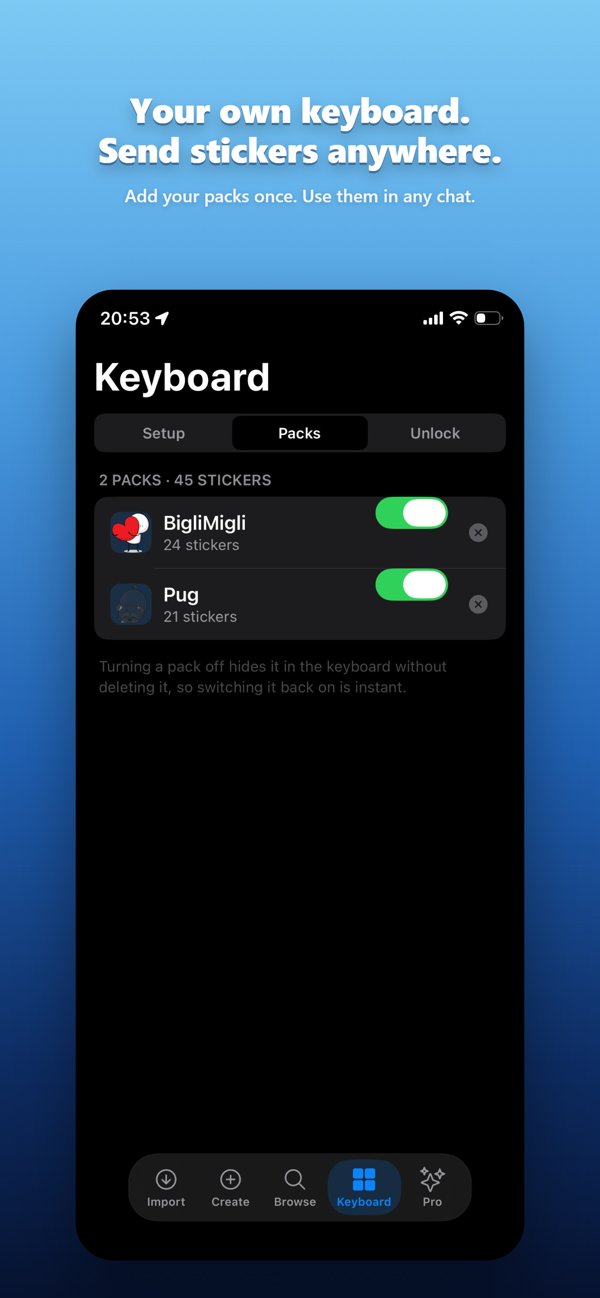
Send your stickers in any app — Messages, Instagram, Mail — with a full-size sticker keyboard and a built-in kaomoji tab.
Take a look
Swipe through the app.
Pricing
Free to use. Pay once if you want more.
Free
- Every export works
- A short rewarded ad per export
- Larger packs capped at 12 stickers
StickerBridge Pro
- No ads
- Full packs — no sticker cap
- Sticker keyboard
- On-device creation tools
Private by design
No accounts, no login, no analytics. StickerBridge doesn't track you or sell your data. Read the privacy policy.